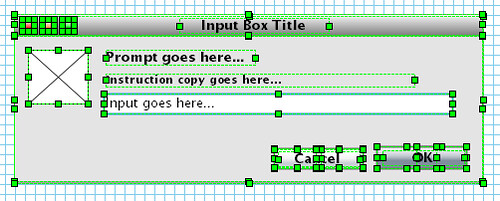
For a special project I started to create a UI library in Axure. The goal was to set up a list of main UI components (including measurements) which I can easily just drag out of the so called Masters bar. And I also wanted to do some kind of interaction patterns (like ADD and REMOVE, Treeview, Search, …) which should then at least work consitently.
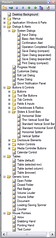
After some research I found this nice group via IXDA.org, where among other things a guy called Ari Feldman provided a complete OS X widget library, which is unbelieveable extensive, really awesome and very convenient for us to use now 🙂
For my opinion, the way I worked really changed since I have in mind that every new designed UI element should be reuseable. Before that I did not really focus on that much, because it was only prototyping. With the effect, that I created e.g. three different ADD and REMOVE components in o n e prototype. (Of course we must not forget the effect of progressing, but I think it is important to see this under some kind of control 😉
Of course I also use copy and paste, but creating real templates for every UI component is much more comfortable to use and I am much more aware of the consistency and the big picture.
Another benefit is to change the look of your UI. So you can easily change the colors or logos, because there is o n e place where all components are being edited and it (normally) effects the complete application.